2024-2026
Reuse in Wix Studio
The problem
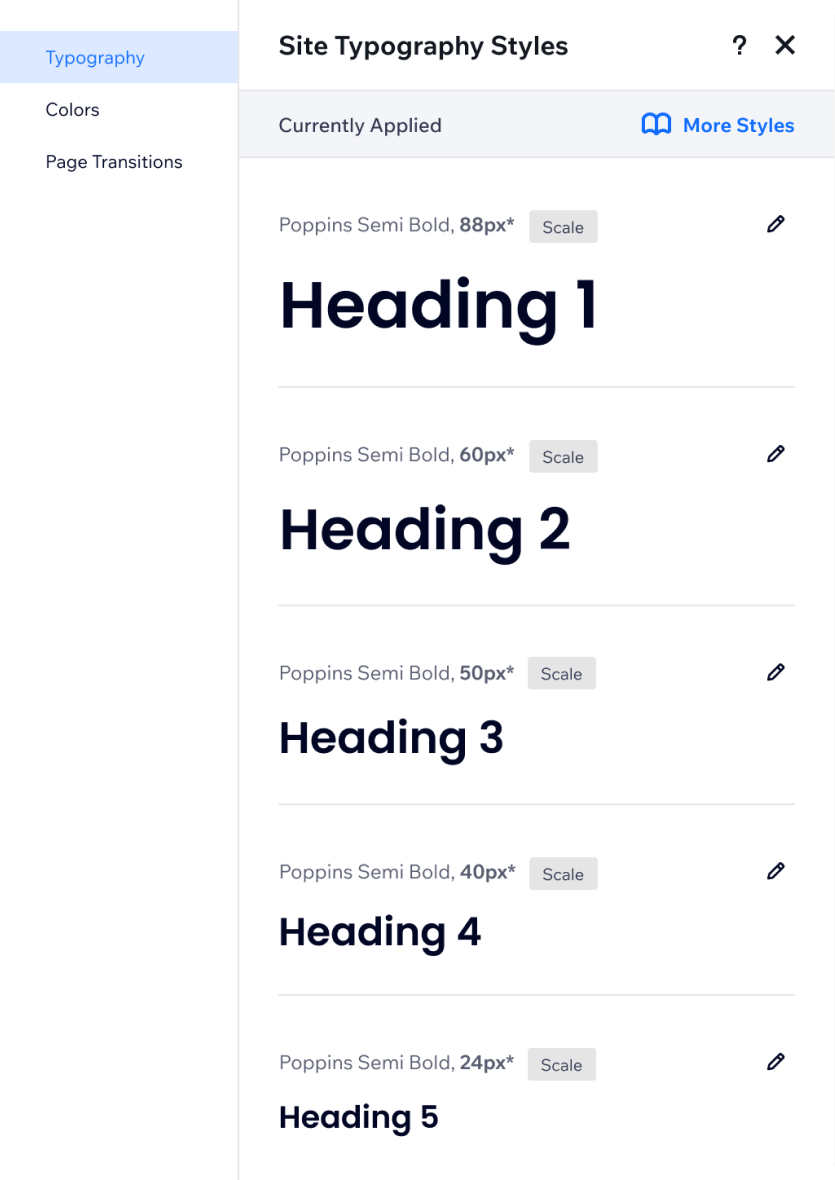
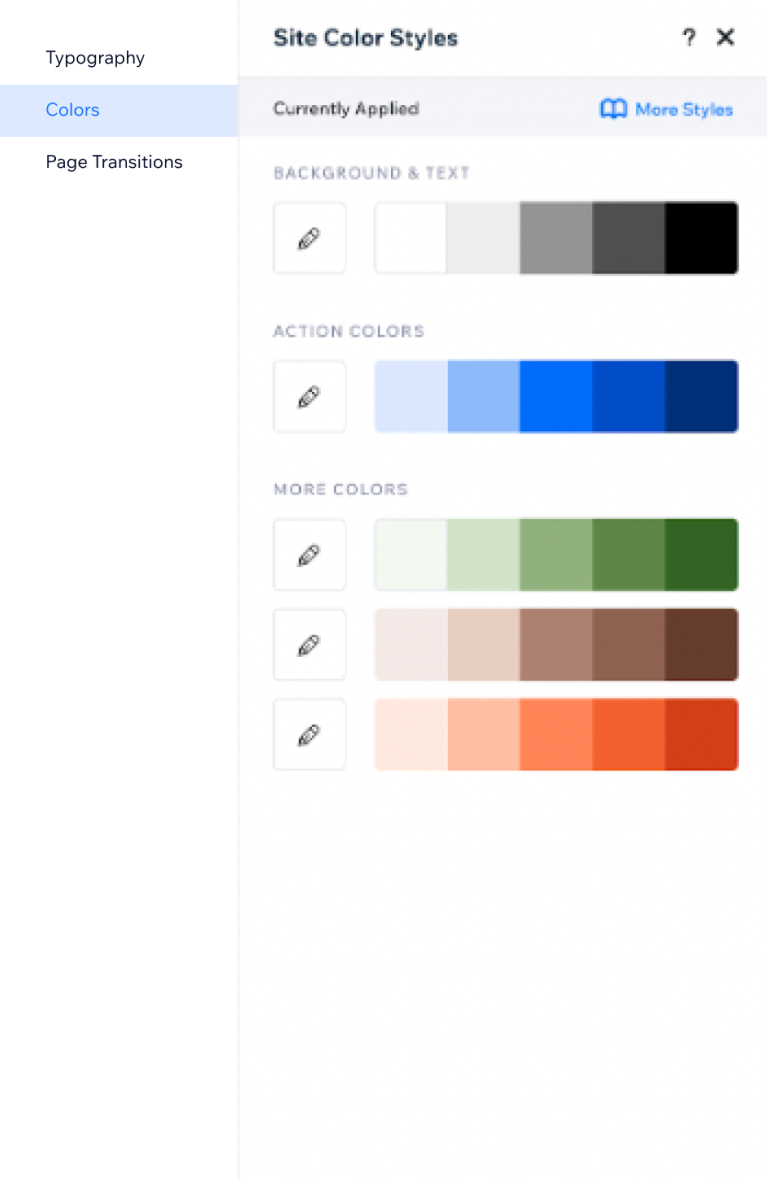
- Wix infrastructure allowed users to save and reuse only two design elements - colors and typography. The infra allowed a fixed amount of 25 colors and 9 typography styles.
- The technology was outdated and filled with bugs.
- Top user request was to add the ability of saving typography size per breakpoint.
- The experience was not professional enough for the industry standard.
- The user could override style settings on stage, without a clear indication of where the overrides were and how to reset the changes.
The goal
Allow the user to work efficiently, with a professional design system they can create, use, update and share.We aimed to fix the existing colors and typography capabilities, and add more style properties and designed elements the user can easily save and reuse across the site.
Key points
- Led a QA sprint to map all the initial problems we had to fix before diving into improving the product.
- Led a cross-functional collaboration to bring an infrastructure change all over Wix, from concept to execution.
- Organized design blitz to refine user experience, brainstorm concepts and align product strategy.
- Sketching and designing LOTS of UX concepts, UI alternatives and optional flows.
- Introduced a scalable design system management from a one-site user to enterprises, through community-driven features.
Site Styles management panel
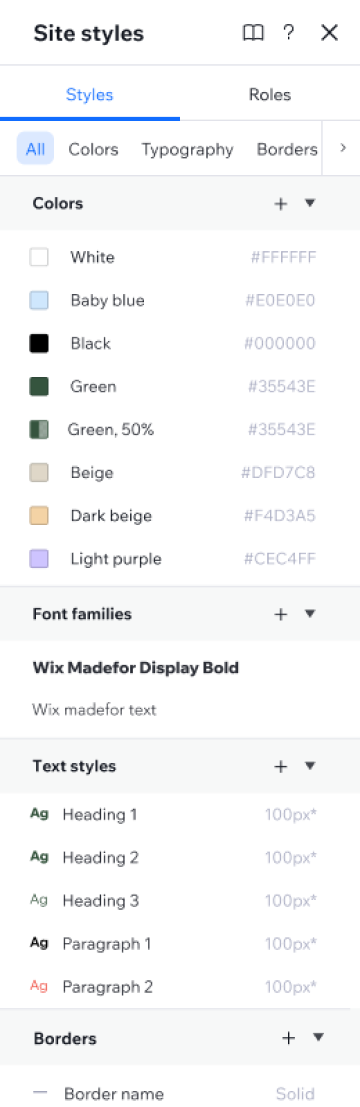
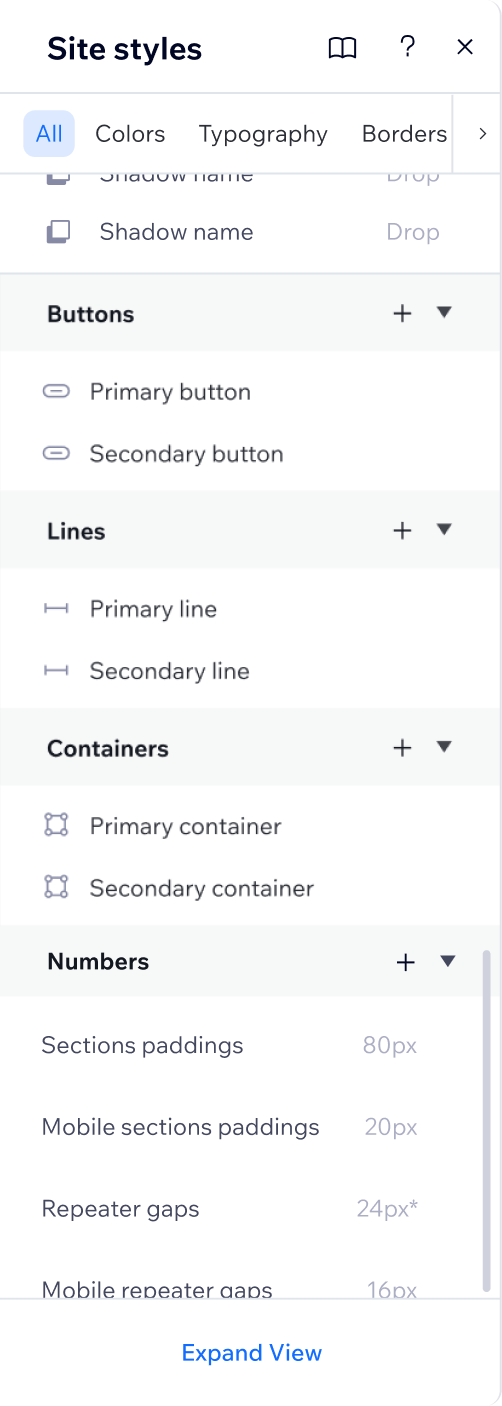
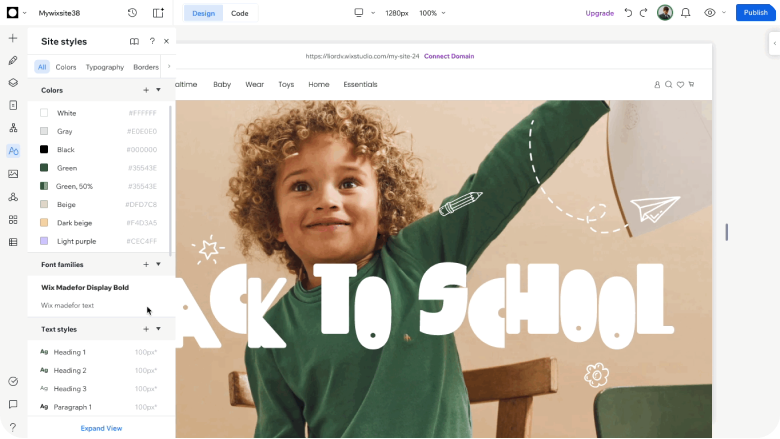
Update the Site Styles logic and experience
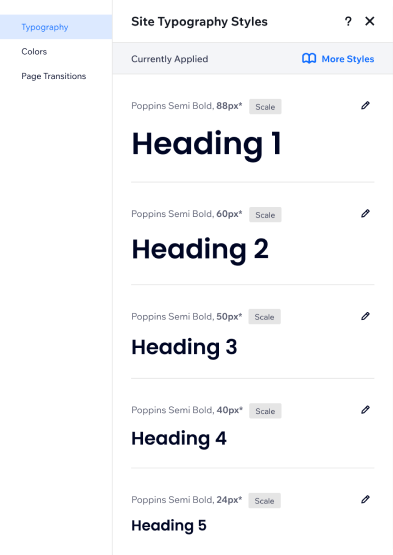
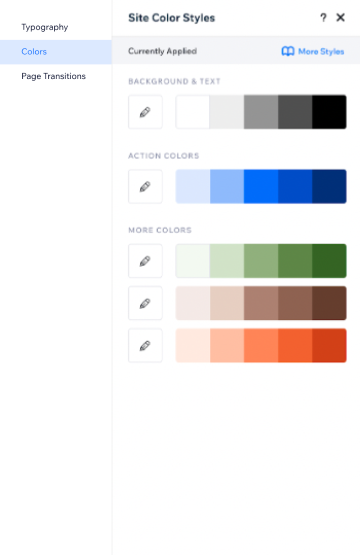
- Remove the limited amount of 25 colors and 9 typography styles to a custom amount (user can add+delete).
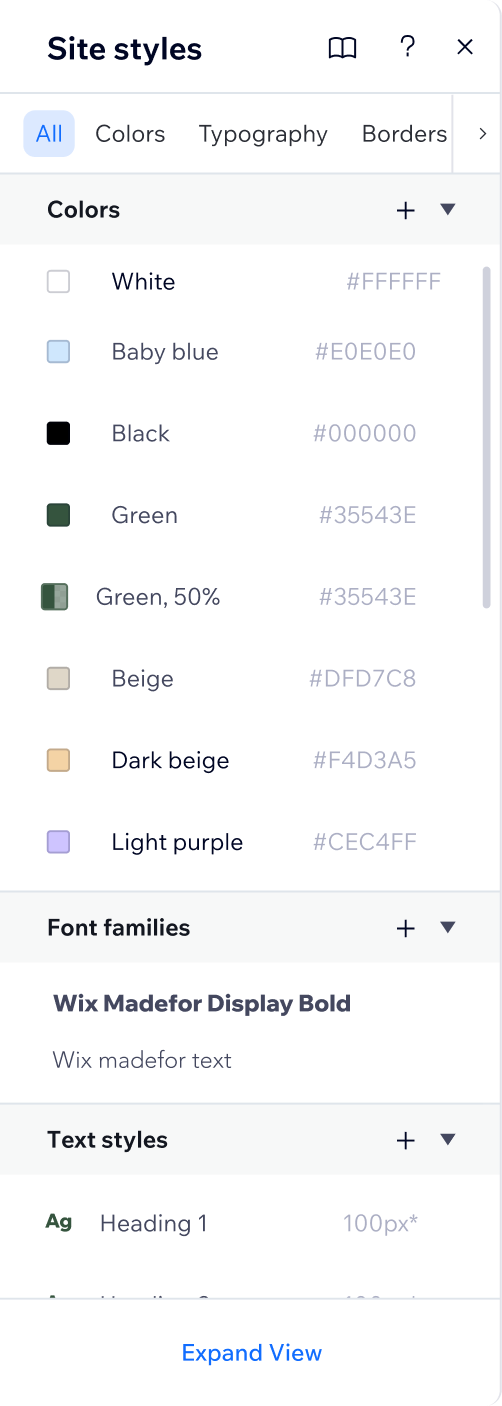
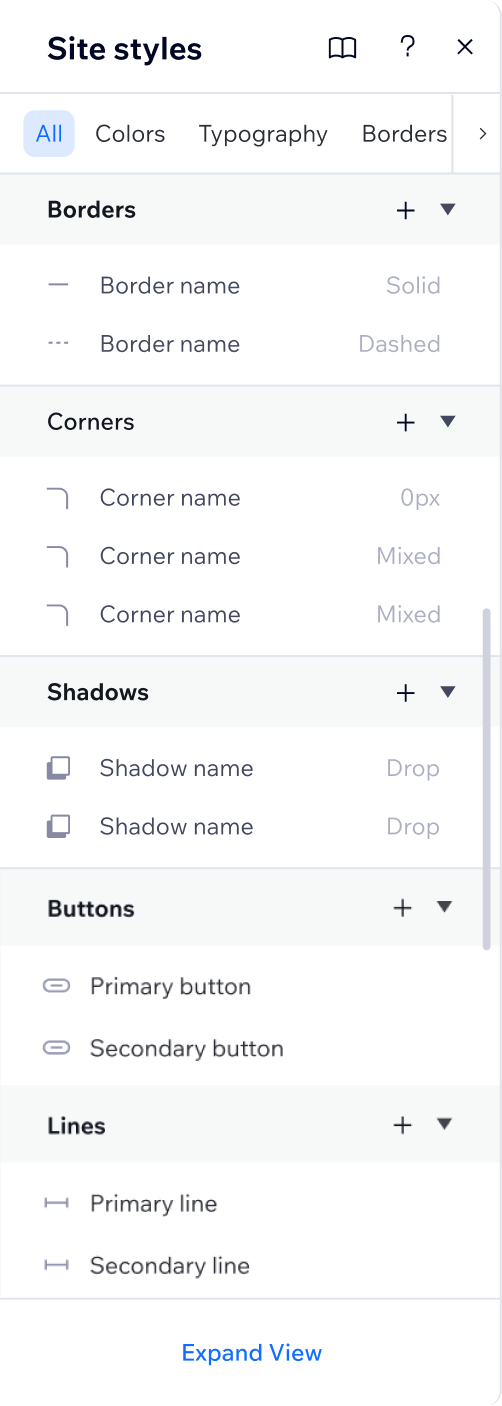
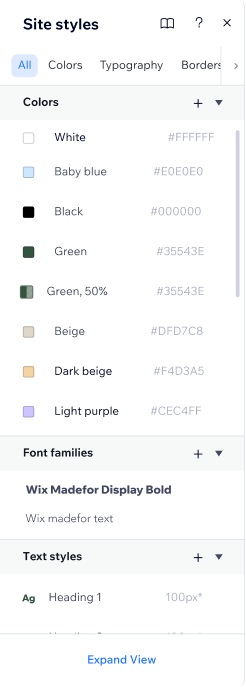
- Uplift the management panel to be cleaner and clearer, as a list view, to align to industry standard.
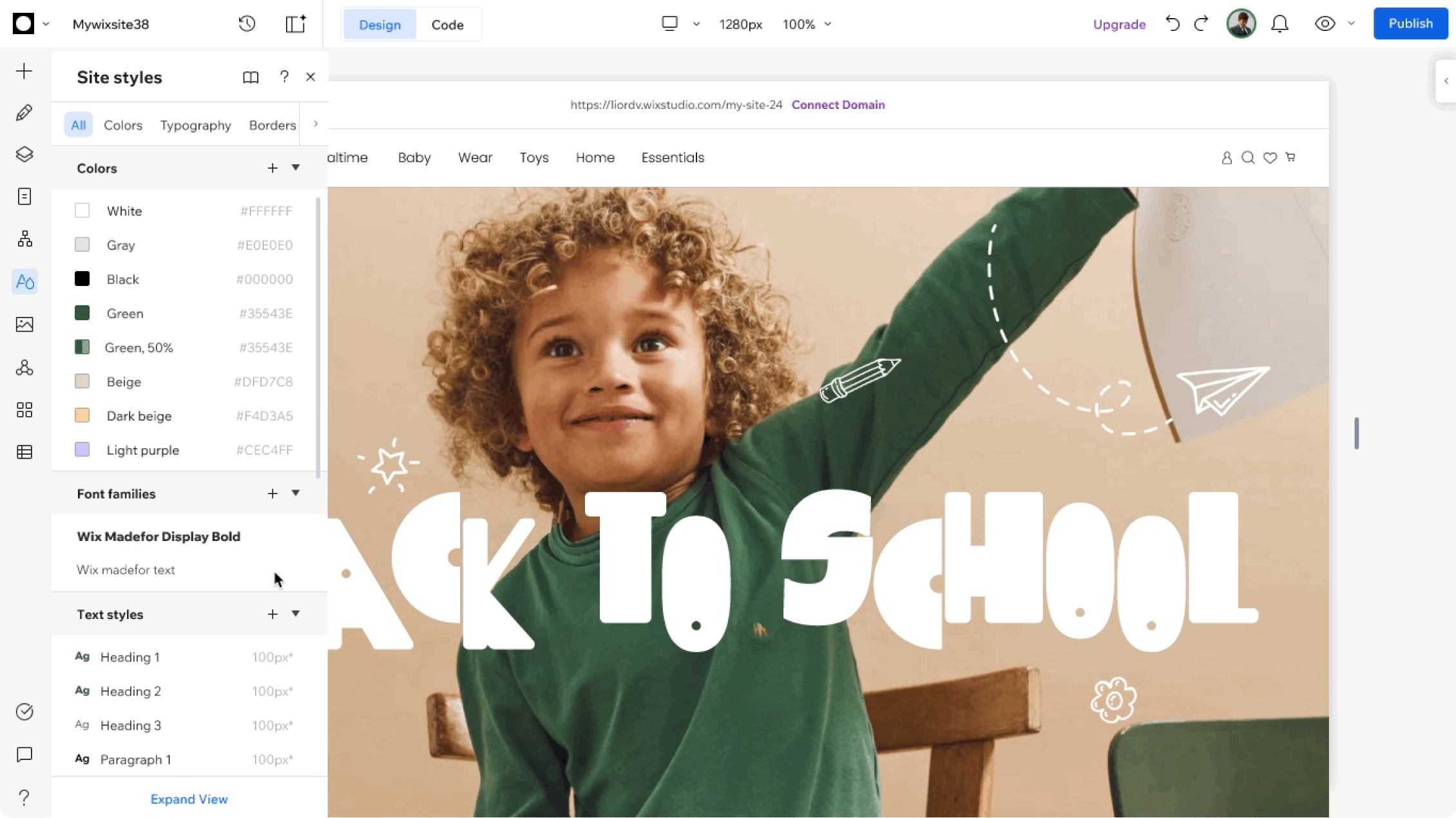
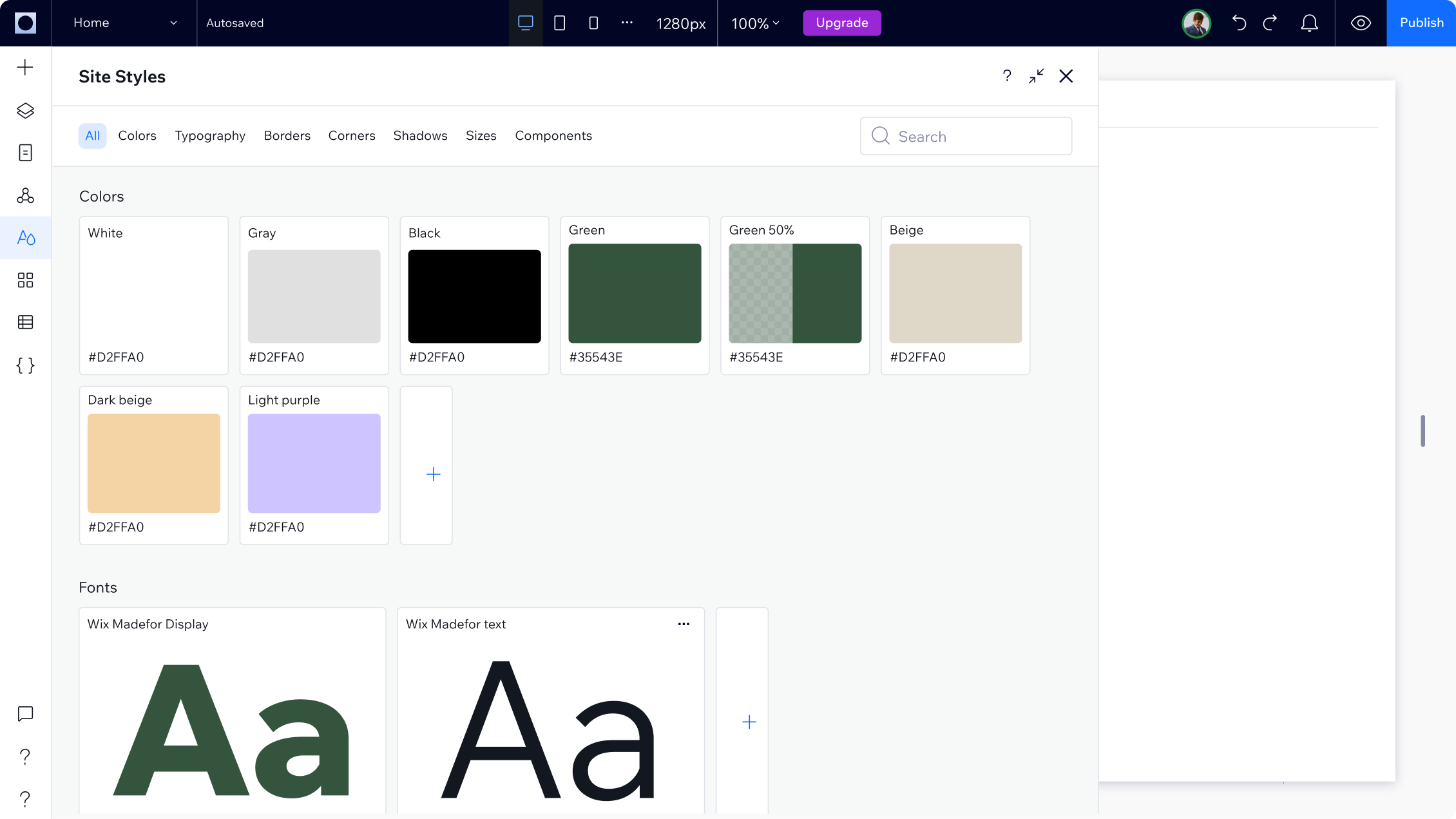
- Adding an expanded view to the management panel that allows the user to see and edit the site styles in a more visual, wide & focused area.
Add more style capabilitiesDeveloping a CSS variables infra that replaced the old scheme and token logic we had in Wix. This infra allows us to enable saving not only solid colors and typography, but also:
Styles (variables + group variables):
- Colors with opacity
- Gradients
- Border style
- corners style
- shadows styles
Component styles:
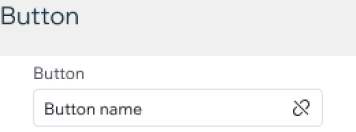
- Buttons
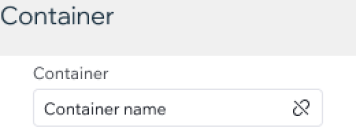
- Containers
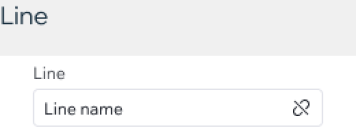
- Lines
From
To
Expanded view of the panel
Adding an expanded view to the management panel that allows the user to see and edit the site styles in a more visual, wide & focused area.
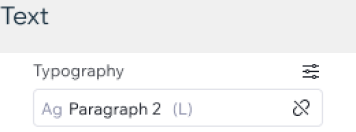
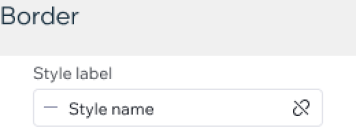
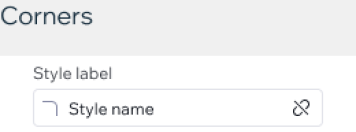
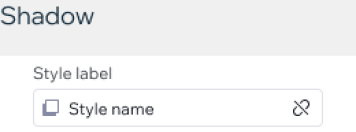
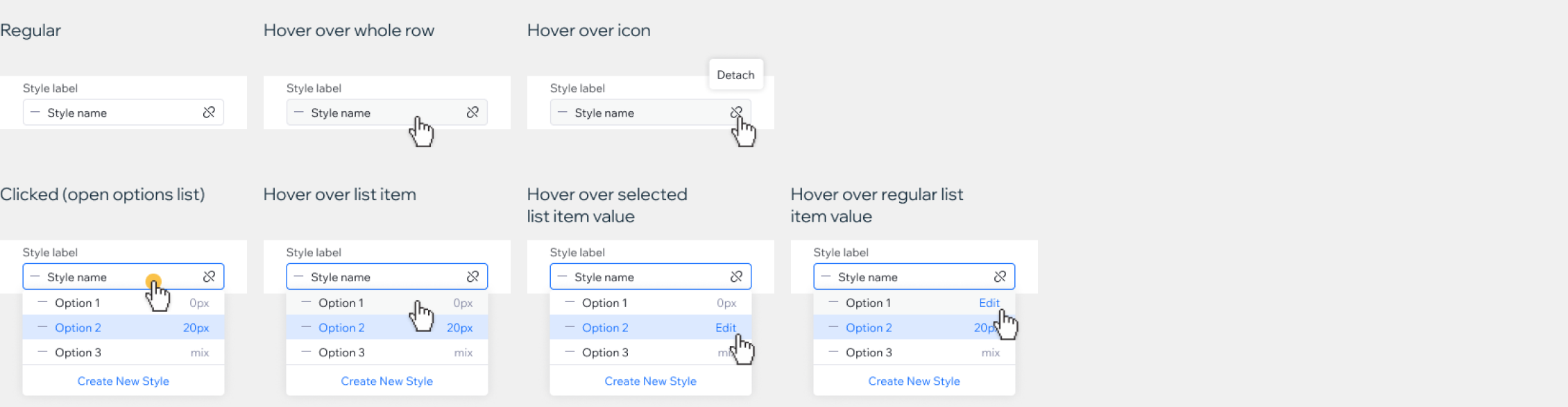
New Style controller
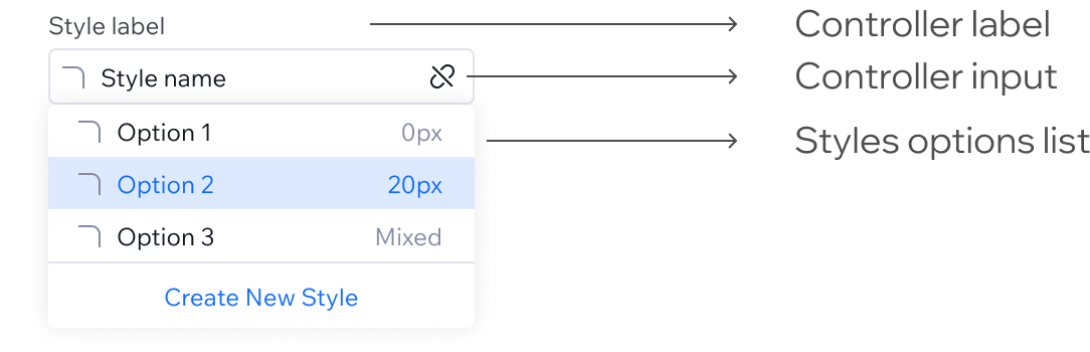
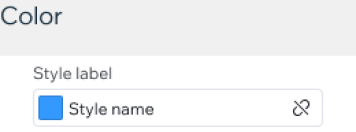
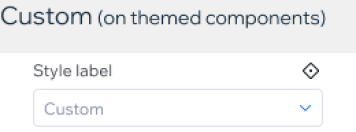
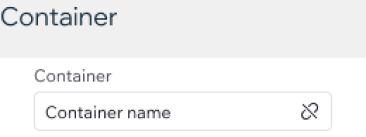
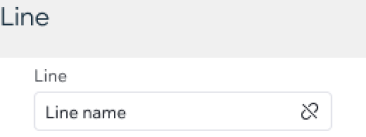
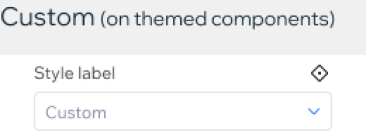
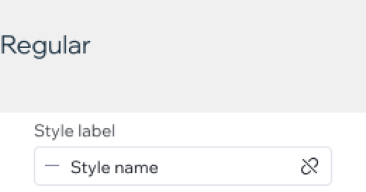
New controller that shows that the style is connected to the site styles, with a detach action icon button. It acts like a dropdown but looks more like a tag.
Style type
States
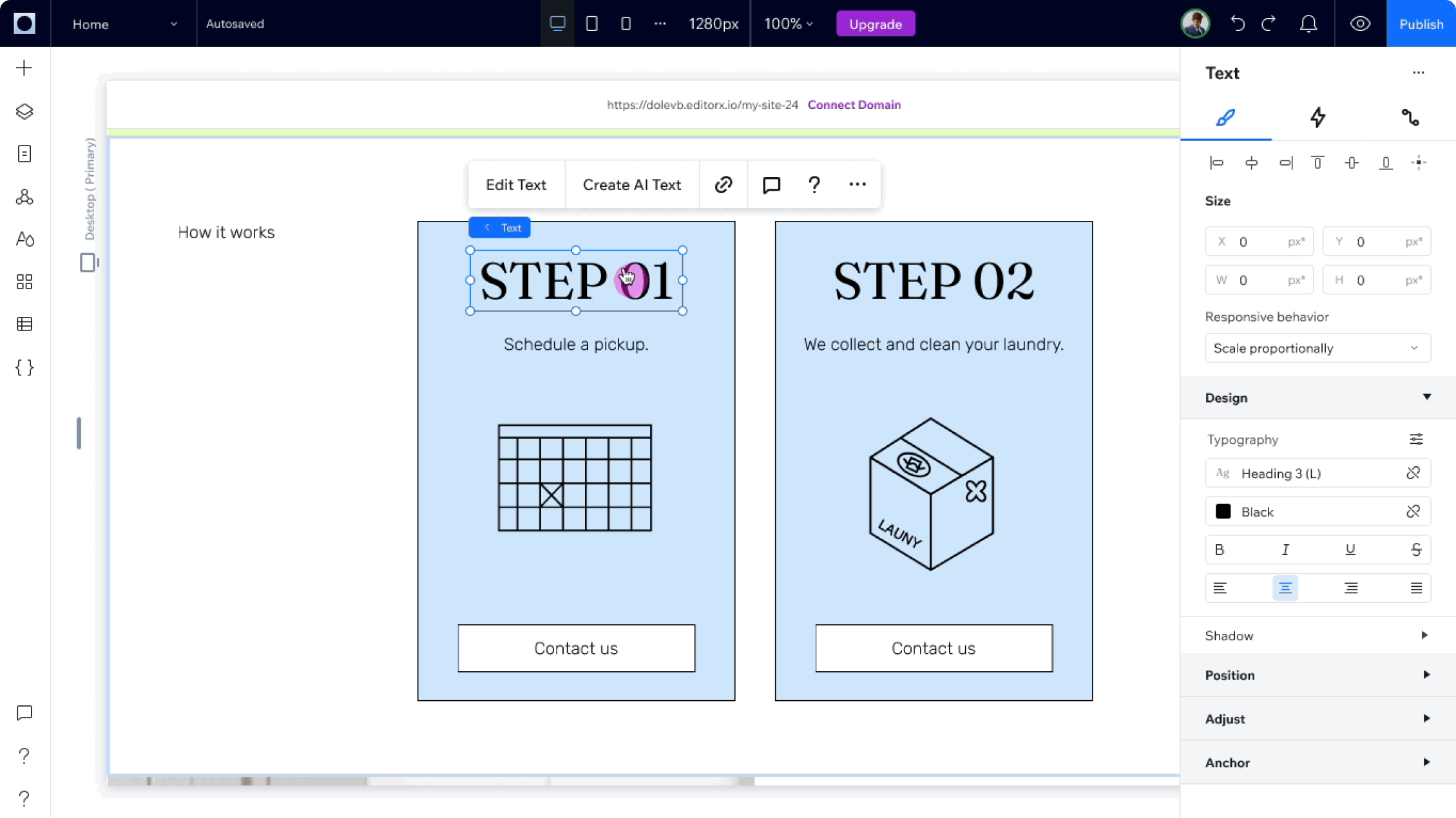
Stage experience (from the inspector)
Changing the old experience of styled elements so the users won’t override their styles very easily, in order to keep their sites consistent and encourage an organized workflow, aligned to their design system. The new experience blocks the user from overriding their styles easily, and forces them to manually detach the style in order to make changes.
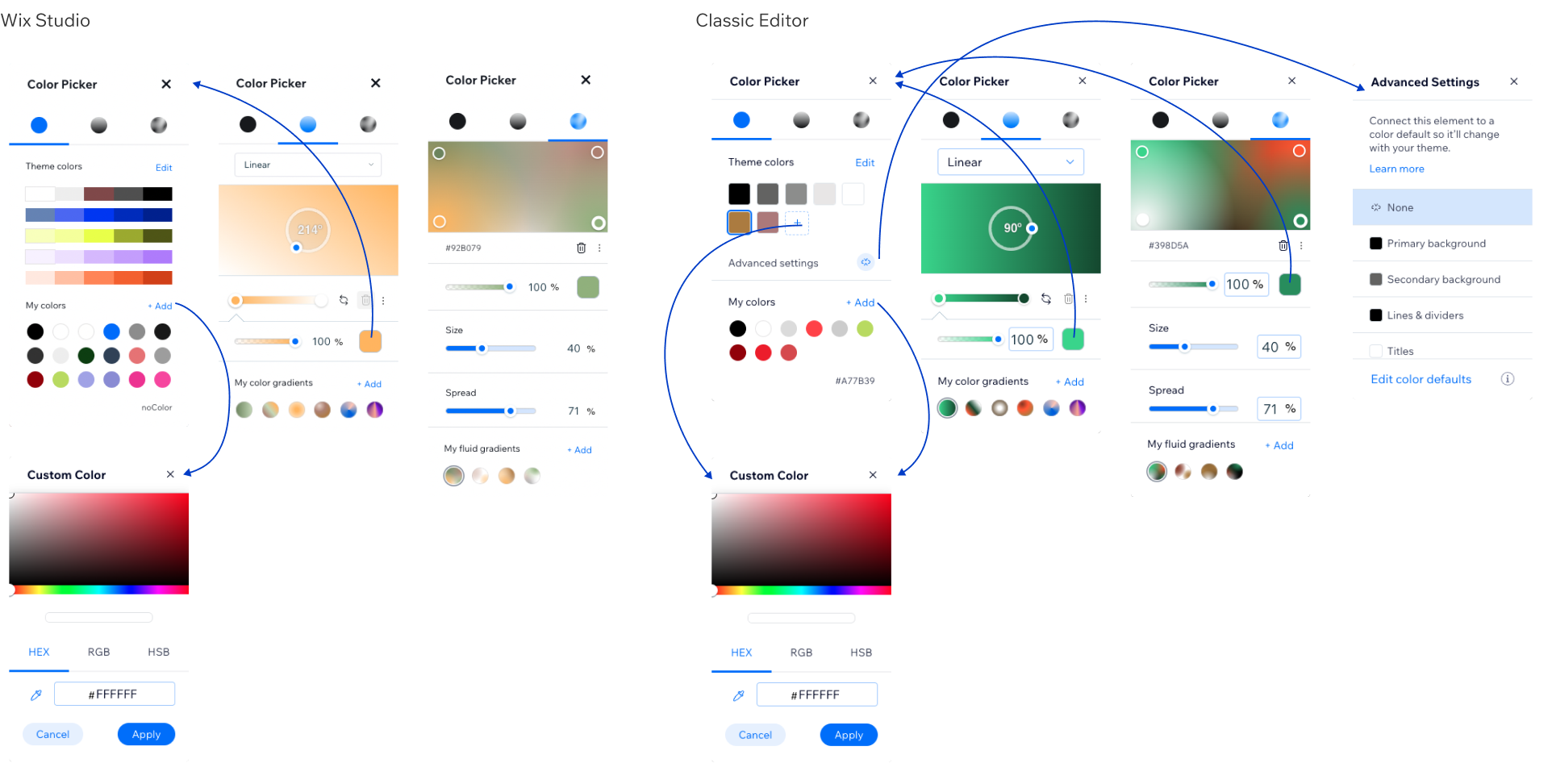
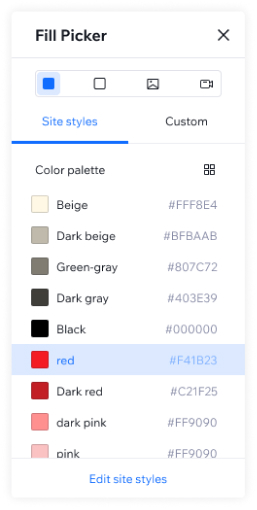
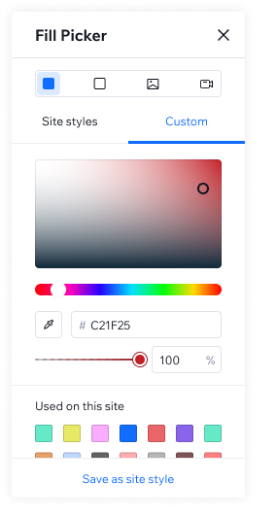
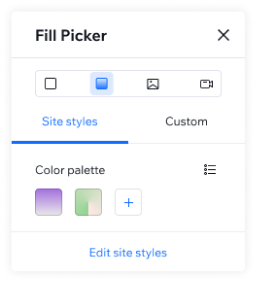
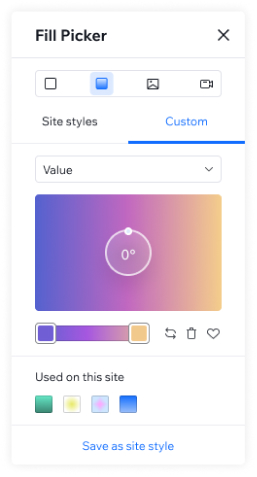
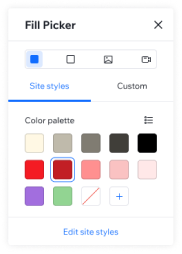
New color picker
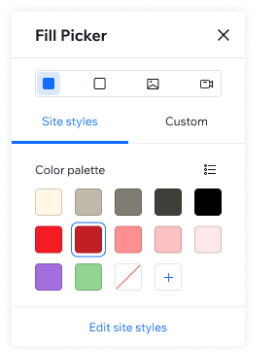
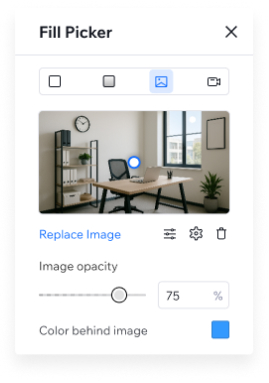
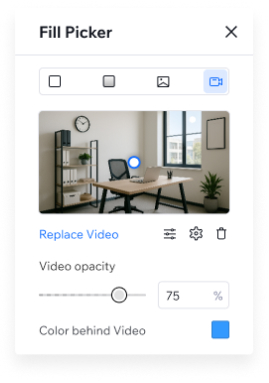
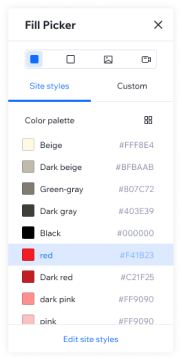
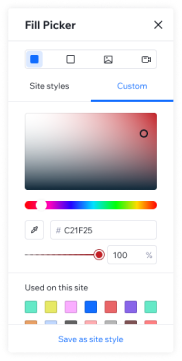
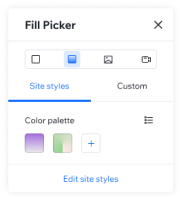
A new, uplifted color picker to align with the new experience. In additional to Solid colors + gradients, we added support in opacity, images and video. from “color picker” to “fill picker”
From
To

“Default Roles” management
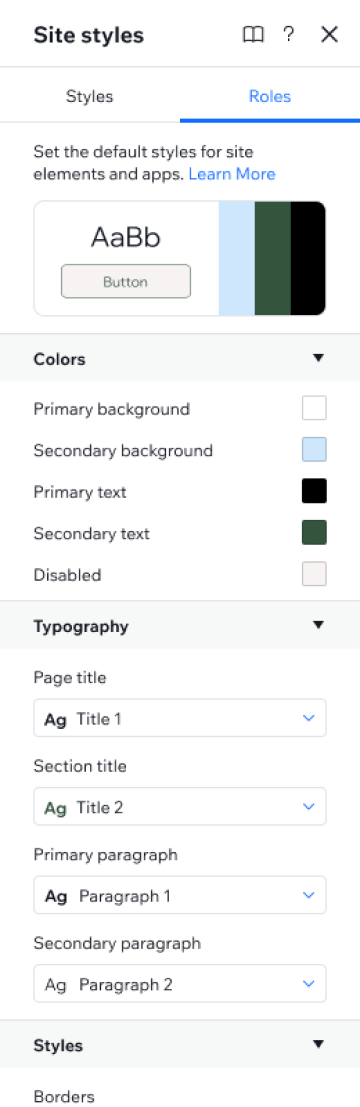
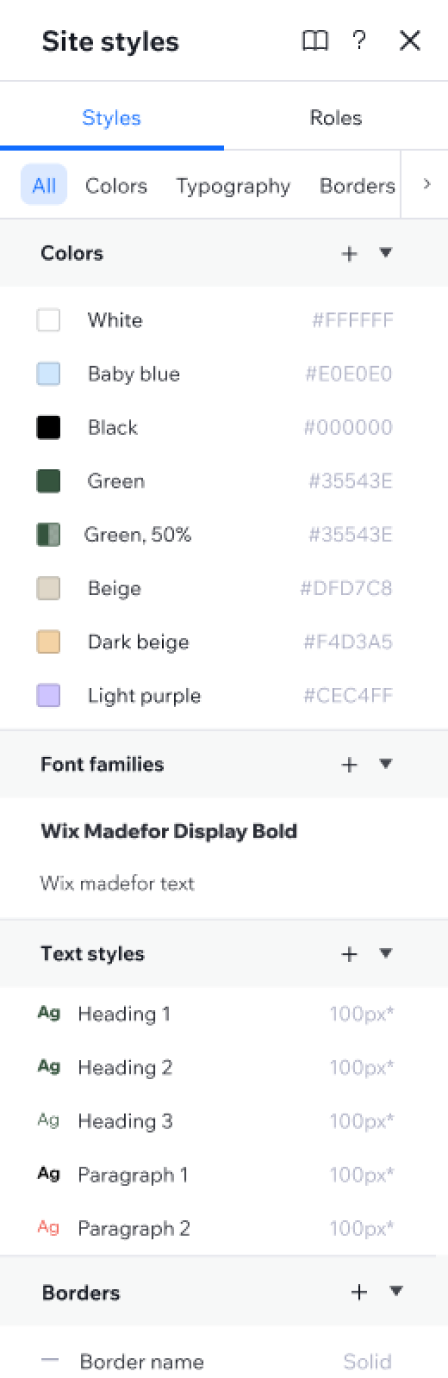
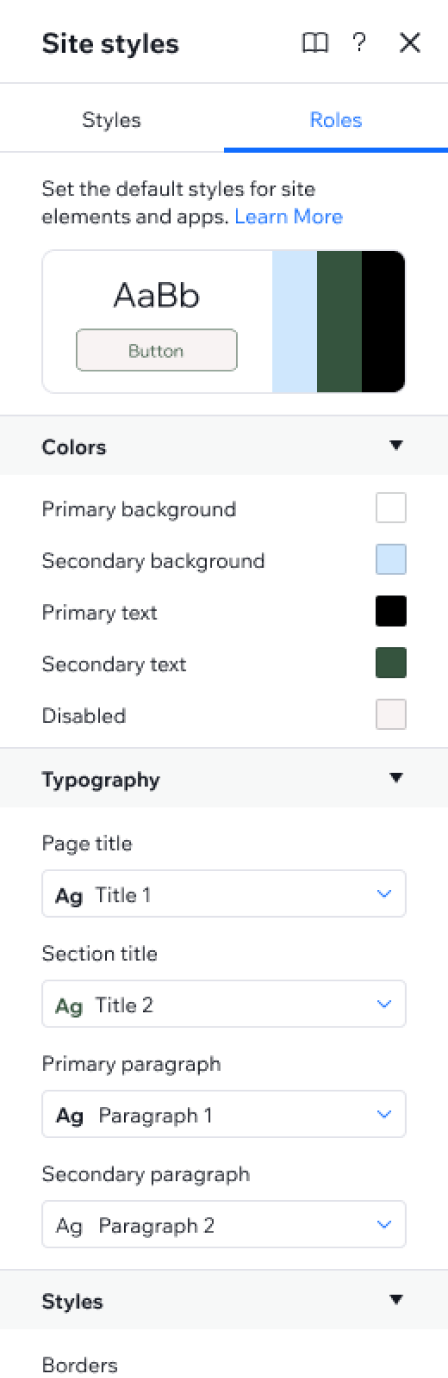
Giving the users the ability to separately manage the styles and their default roles wiring. Because at Wix we are a business-solution-first company, we wanted to give the users a seamless experience when adding new content to their site (an app, for example), So we needed to have default wiring of the site styles so the new added content will come with the site brand.The decision was to set the base styles as the main panel, and use a different tab to set the roles. The roles are pointers to the base style. This release will be in phase 02.
2024-2026
Reuse in Wix Studio
The problem
- Wix infrastructure allowed users to save and reuse only two design elements - colors and typography. The infra allowed a fixed amount of 25 colors and 9 typography styles.
- The technology was outdated and filled with bugs.
- Top user request was to add the ability of saving typography size per breakpoint.
- The experience was not professional enough for the industry standard.
- The user could override style settings on stage, without a clear indication of where the overrides were and how to reset the changes.
The goal
Allow the user to work efficiently, with a professional design system they can create, use, update and share.We aimed to fix the existing colors and typography capabilities, and add more style properties and designed elements the user can easily save and reuse across the site.
Key points
- Led a QA sprint to map all the initial problems we had to fix before diving into improving the product.
- Led a cross-functional collaboration to bring an infrastructure change all over Wix, from concept to execution.
- Organized design blitz to refine user experience, brainstorm concepts and align product strategy.
- Sketching and designing LOTS of UX concepts, UI alternatives and optional flows.
- Introduced a scalable design system management from a one-site user to enterprises, through community-driven features.
Site Styles management panel
Update the Site Styles logic and experience
- Remove the limited amount of 25 colors and 9 typography styles to a custom amount (user can add+delete).
- Uplift the management panel to be cleaner and clearer, as a list view, to align to industry standard.
- Adding an expanded view to the management panel that allows the user to see and edit the site styles in a more visual, wide & focused area.
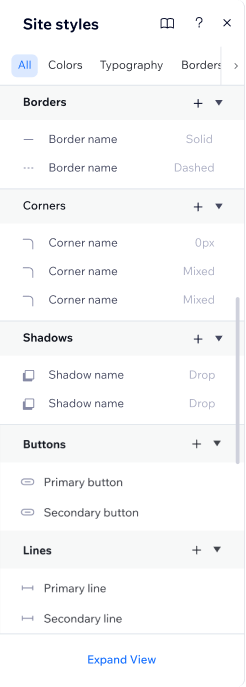
Add more style capabilitiesDeveloping a CSS variables infra that replaced the old scheme and token logic we had in Wix. This infra allows us to enable saving not only solid colors and typography, but also:
Styles (variables + group variables):
- Colors with opacity
- Gradients
- Border style
- corners style
- shadows styles
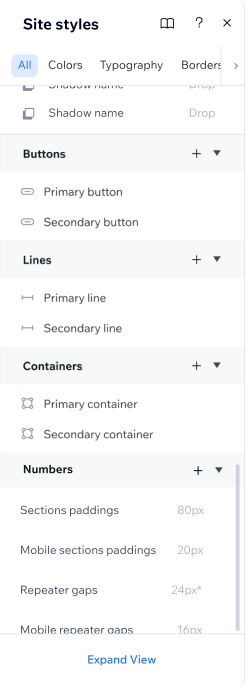
Component styles:
- Buttons
- Containers
- Lines
From
To
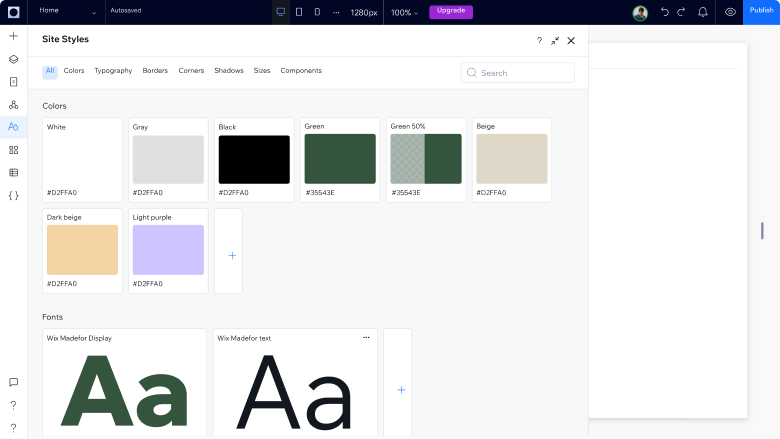
Expanded view of the panel
Adding an expanded view to the management panel that allows the user to see and edit the site styles in a more visual, wide & focused area.
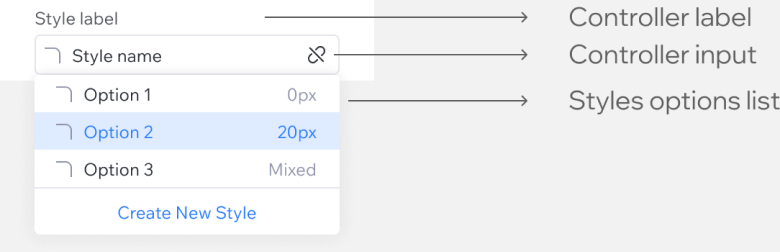
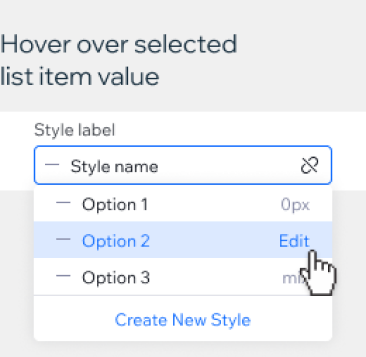
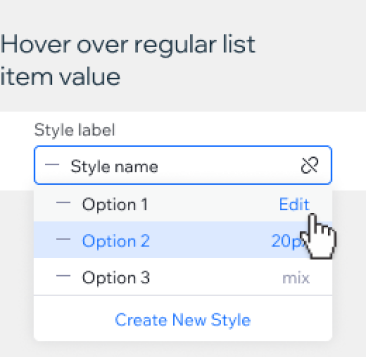
New Style controller
New controller that shows that the style is connected to the site styles, with a detach action icon button. It acts like a dropdown but looks more like a tag.
Style type
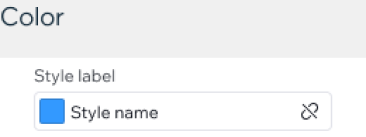
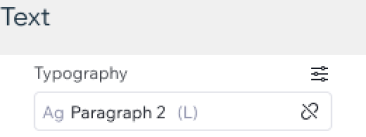
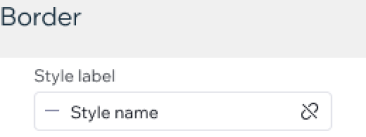
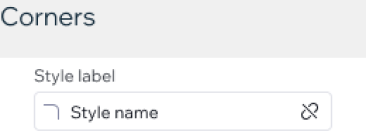
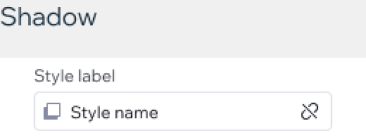
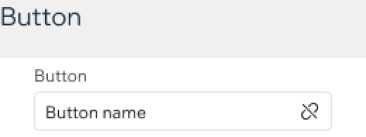
States
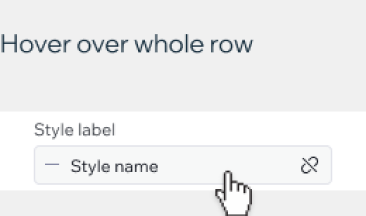
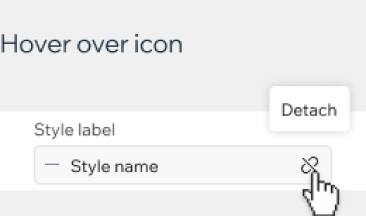
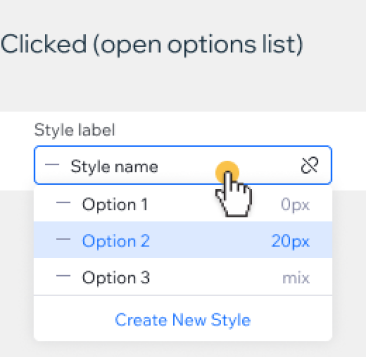
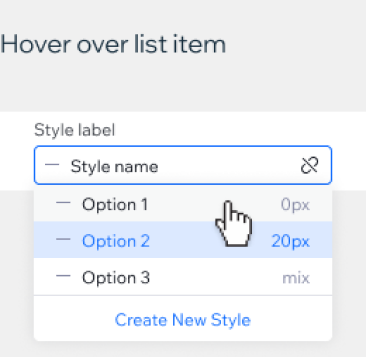
Stage experience (from the inspector)
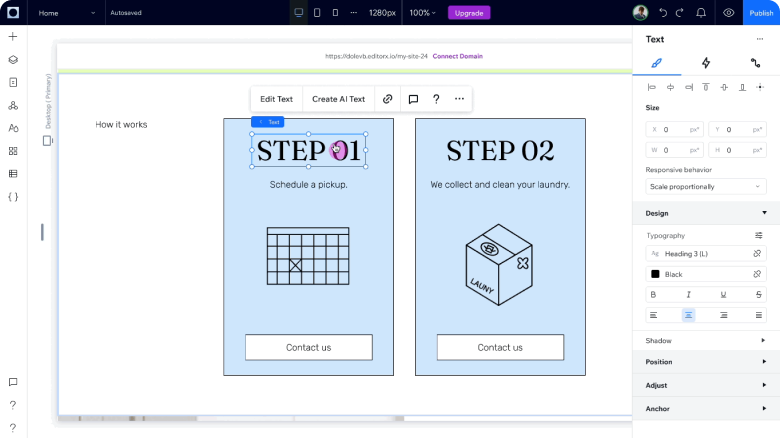
Changing the old experience of styled elements so the users won’t override their styles very easily, in order to keep their sites consistent and encourage an organized workflow, aligned to their design system. The new experience blocks the user from overriding their styles easily, and forces them to manually detach the style in order to make changes.
New color picker
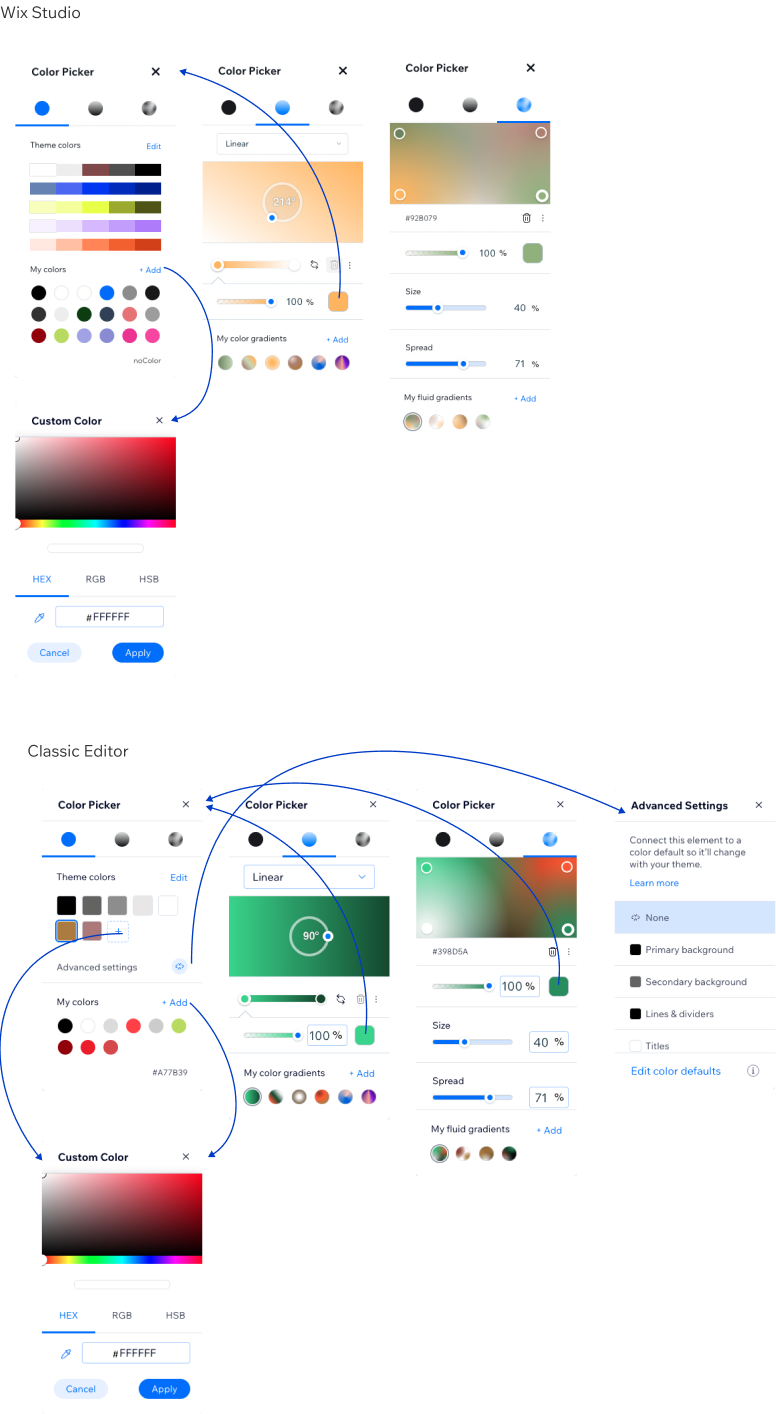
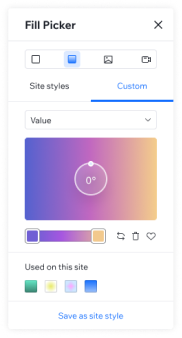
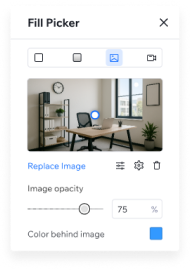
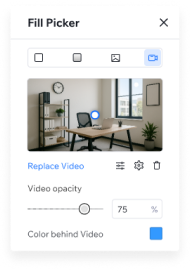
A new, uplifted color picker to align with the new experience. In additional to Solid colors + gradients, we added support in opacity, images and video. from “color picker” to “fill picker”
From
To
Text style variants
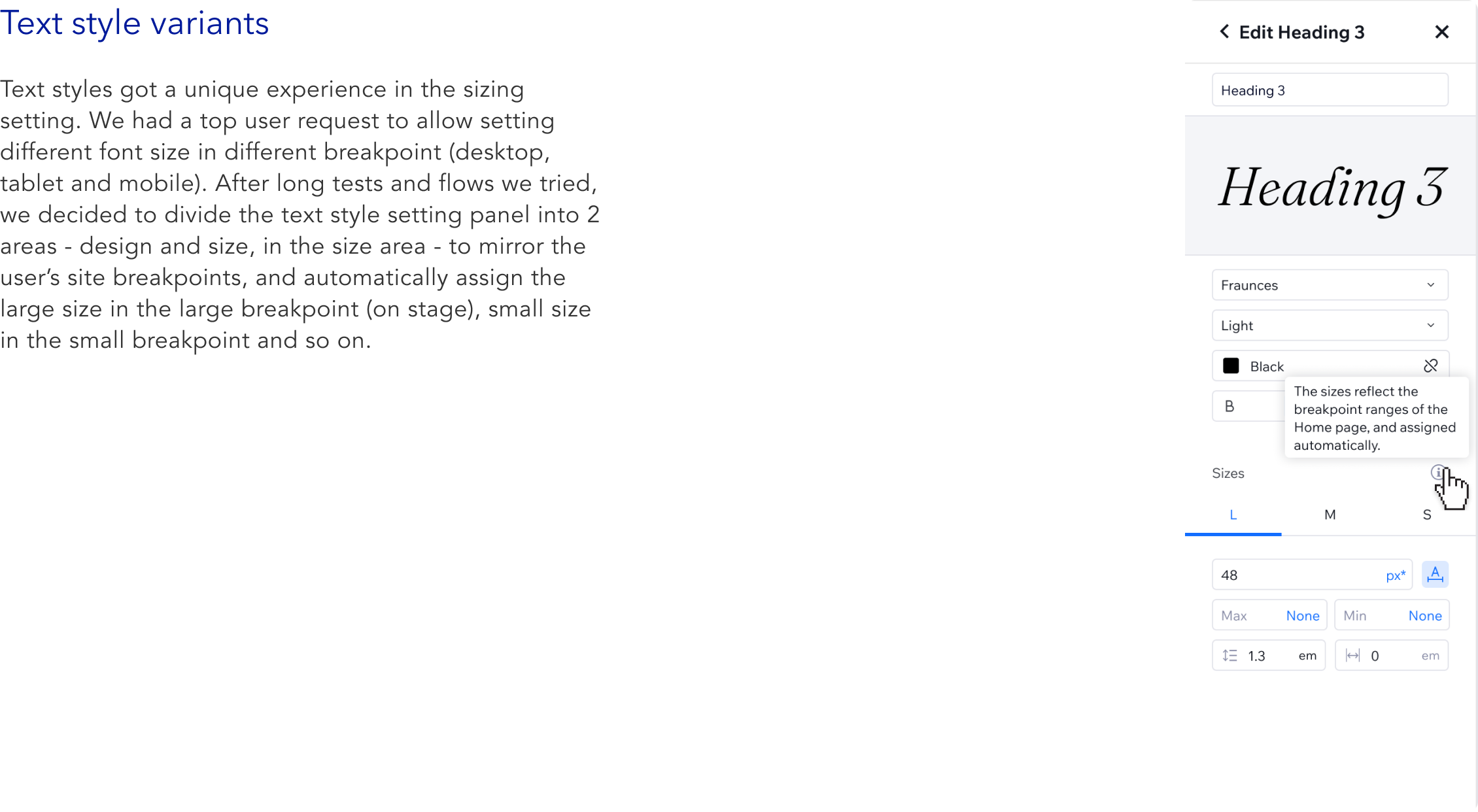
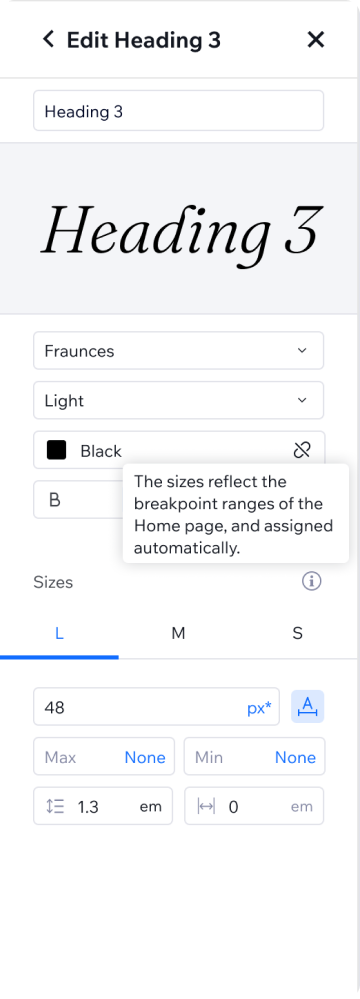
Text styles got a unique experience in the sizing setting. We had a top user request to allow setting different font size in different breakpoint (desktop, tablet and mobile). After long tests and flows we tried, we decided to divide the text style setting panel into 2 areas - design and size, in the size area - to mirror the user’s site breakpoints, and automatically assign the large size in the large breakpoint (on stage), small size in the small breakpoint and so on.
Overrides indications
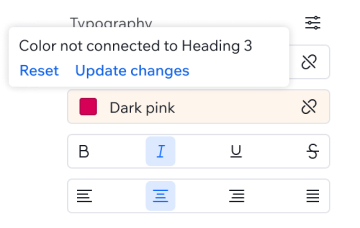
We allow certain overrides on some elements so the user won’t have to detach the style when doing common design changes. So we had to add override indications that inform the user if they’re overriding the style from the global definition, or if they overriding it on a lower breakpoint, and allowing them to either reset the changes, or update style to match.
“Default Roles” management
Giving the users the ability to separately manage the styles and their default roles wiring. Because at Wix we are a business-solution-first company, we wanted to give the users a seamless experience when adding new content to their site (an app, for example), So we needed to have default wiring of the site styles so the new added content will come with the site brand.The decision was to set the base styles as the main panel, and use a different tab to set the roles. The roles are pointers to the base style. This release will be in phase 02.